In this tutorial, you build a GHA workflow that performs the following tasks and displays the results in the CloudBees Unify UI:
Prerequisites
Set up CloudBees Unify and GHA to work together, providing key features of CloudBees Unify to GHA workflows. For more information, refer to Set up GitHub Actions integration.
Create the workflow
Add the following workflow YAML file to the GitHub repository connected to CloudBees Unify.
Example GHA workflow YAML file
Run the workflow and review the results
After the run has completed, the:
-
Artifact information is displayed in both and in CloudBees Unify.
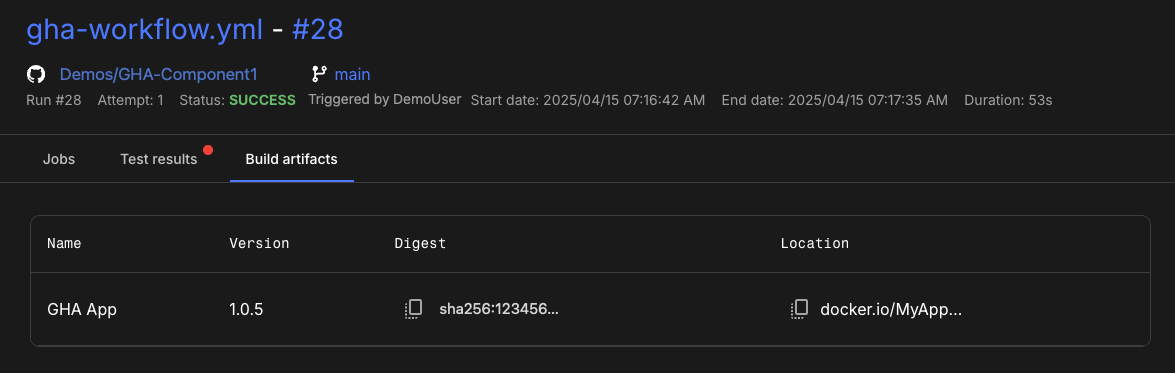 Figure 1. Artifact displayed in CloudBees Unify.
-
Evidence output is collected and displayed in the Evidence tab of Run details.
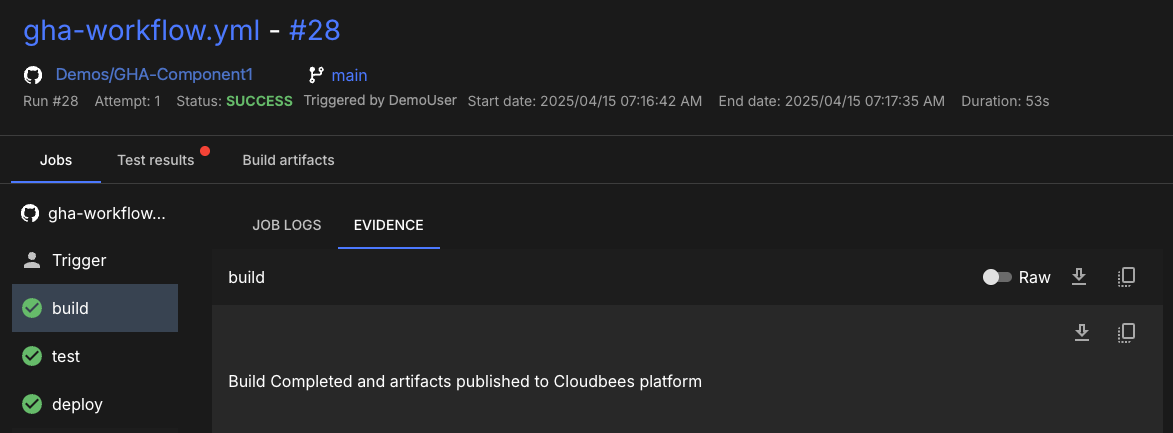 Figure 2. Evidence from
buildjob displayed in CloudBees Unify.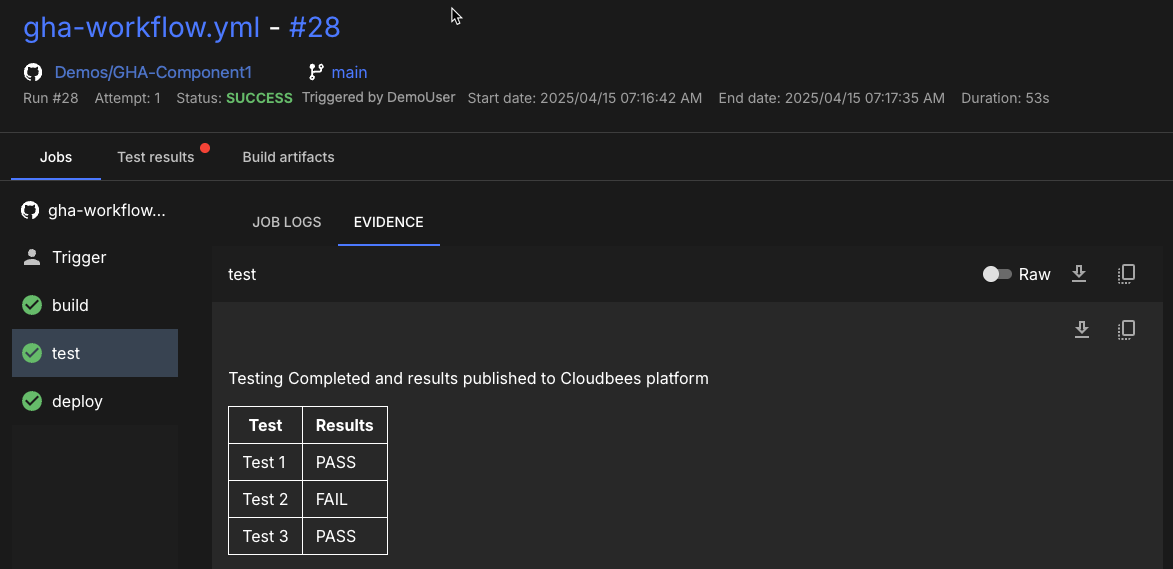 Figure 3. Evidence from
testjob displayed in CloudBees Unify. -
Testing results are collected and displayed in the Test results tab of Run details and in the Test insights dashboard.
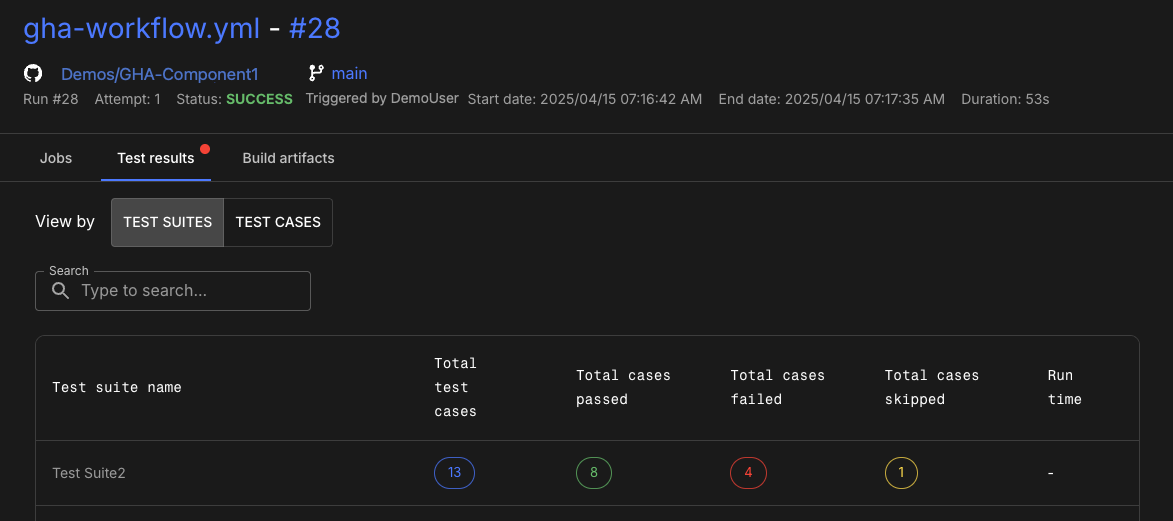 Figure 4. Testing results from
testjob displayed in CloudBees Unify. -
CloudBees Unify workflow run is triggered by the GHA workflow and the workflow output is published in the job evidence.
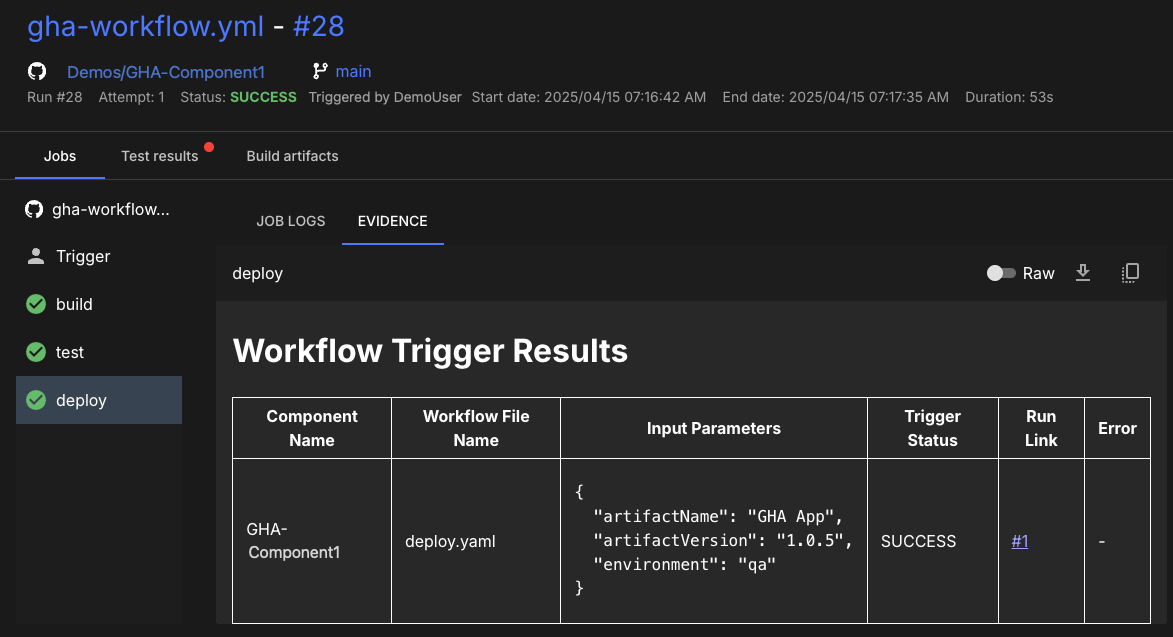 Figure 5. Resulting CloudBees Unify workflow run output.